How Do I Prepare My Jail or Prison for Facial Recognition?
Preparing for facial recognition in your jail or prison? Here's what to get right on image quality, cameras, and legal consent before you deploy.
GUARDIAN RFID
24 November 2026
Facial recognition is only as accurate as the images you enroll and the cameras you capture them with. Getting both right before rollout saves you from fixing accuracy problems later.
Before you deploy facial recognition for inmate identification in your jail or prison, you'll want answers to three questions:
Image preparation: how do you obtain or generate high-resolution images?
Technical preparation: will your existing cameras actually work?
Legal preparation: what privacy and consent rules apply to your facility?
Before we dig into each one, here's a quick look at what facial recognition actually does.
What Is Facial Recognition?
Facial recognition technology identifies and verifies people by analyzing their facial features in images or video frames. In plain terms, the software compares a person’s unique facial landmarks, which we call facial geometry or face vectors, against a database of known identities.
How Do I Obtain or Generate High-Resolution Images?
Everything starts with one clear photo of each person's face. We call it an enrollment image.
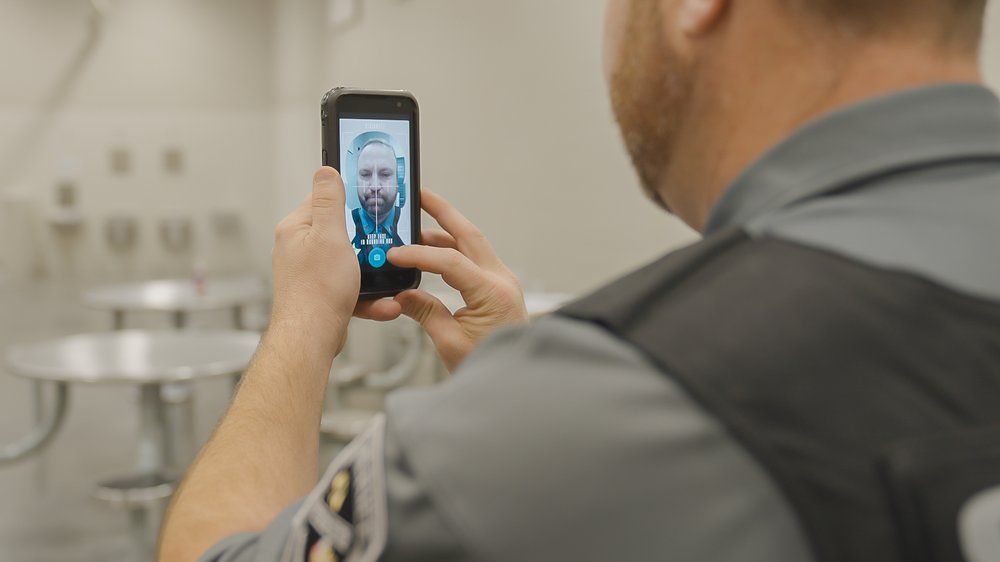
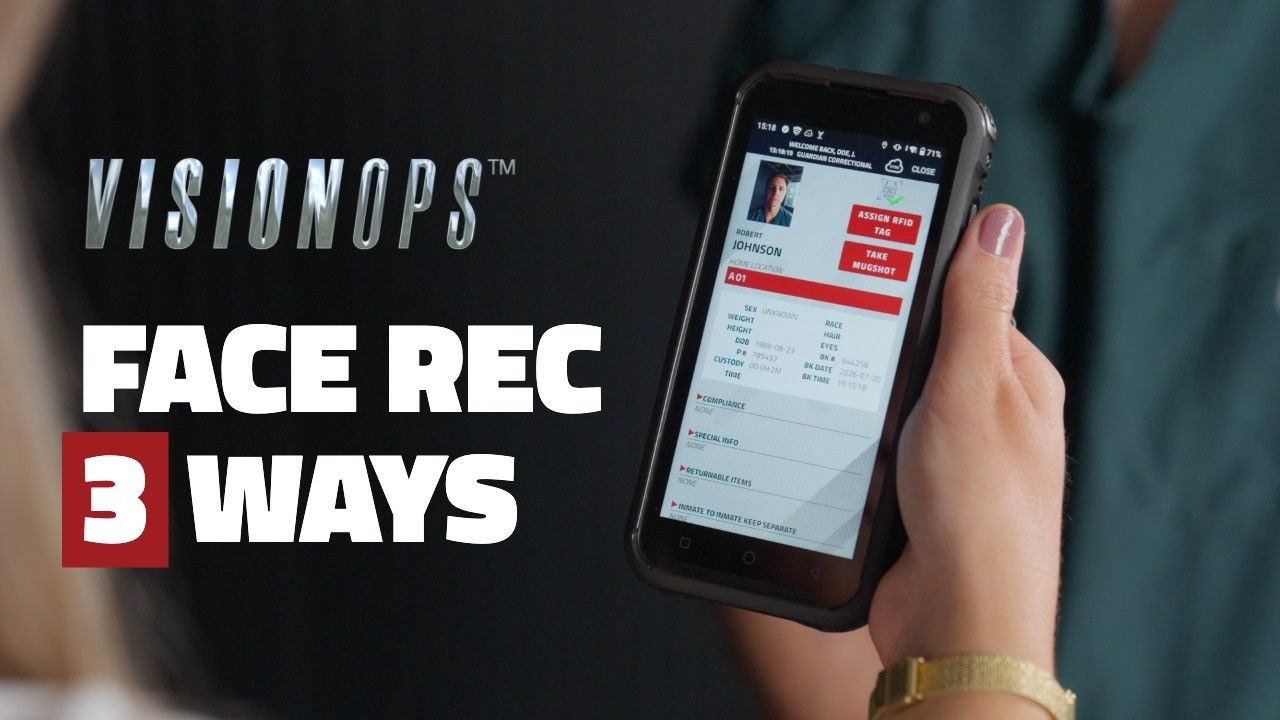
An enrollment image is the first high-quality picture, a headshot or a mugshot, of anyone you need to identify, such as an inmate or an officer. From that image, VisionOps ID maps the unique landmarks of the face and turns them into a mathematical template, a digital faceprint. Much like a fingerprint, a faceprint gives the system a consistent way to tell one person from another.
The enrollment image matters because every future scan is compared back to it. A sharp, well-lit enrollment image produces a detailed faceprint and accurate matches. A blurry or low-resolution one weakens every match built on it. Image quality and resolution directly affect accuracy, according to NIST's face recognition evaluations.
Your goal is simple: get one high-quality enrollment image for each person.
Creating Officer Enrollment Images from Mobile Command XR
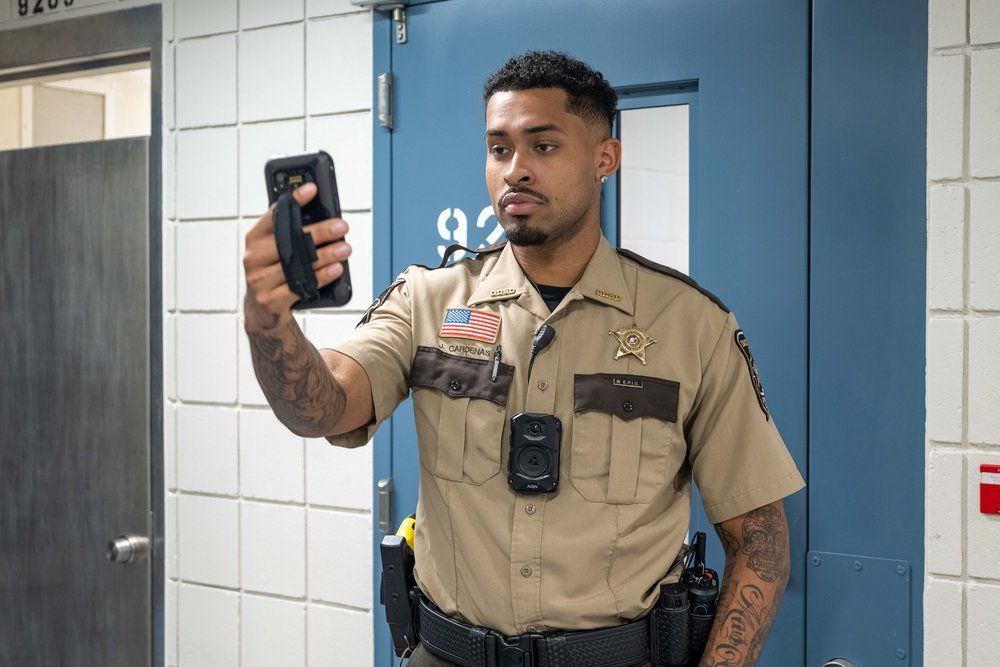
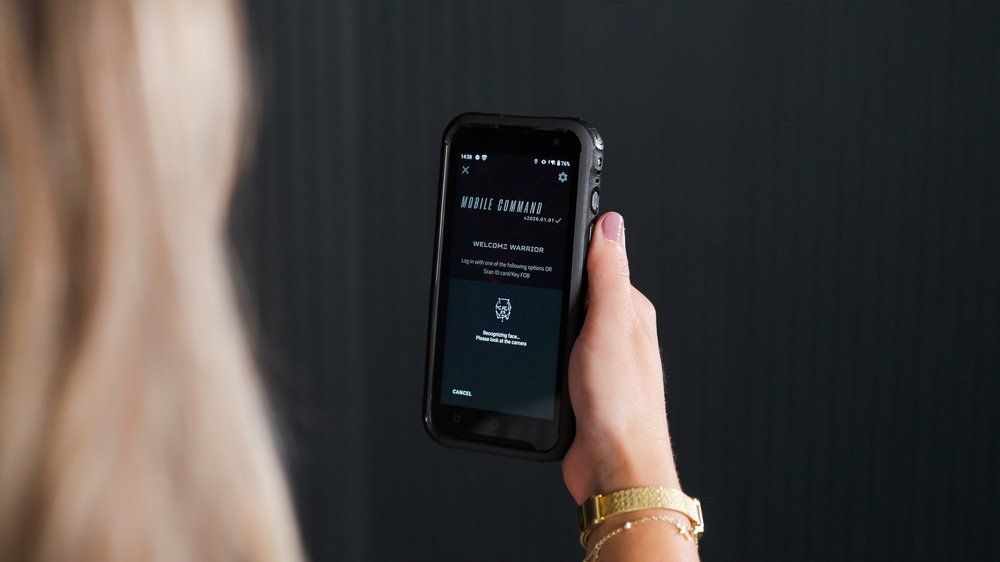
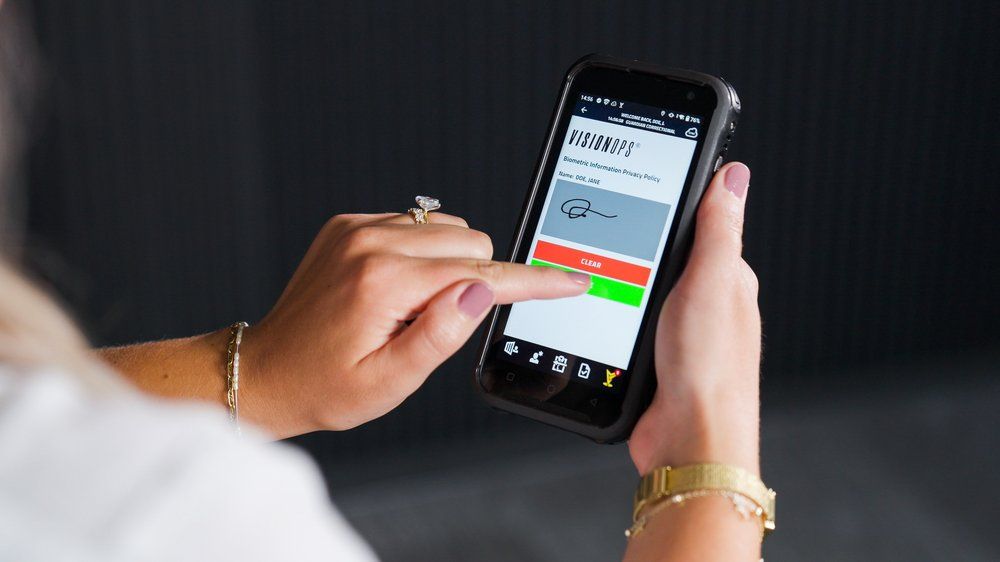
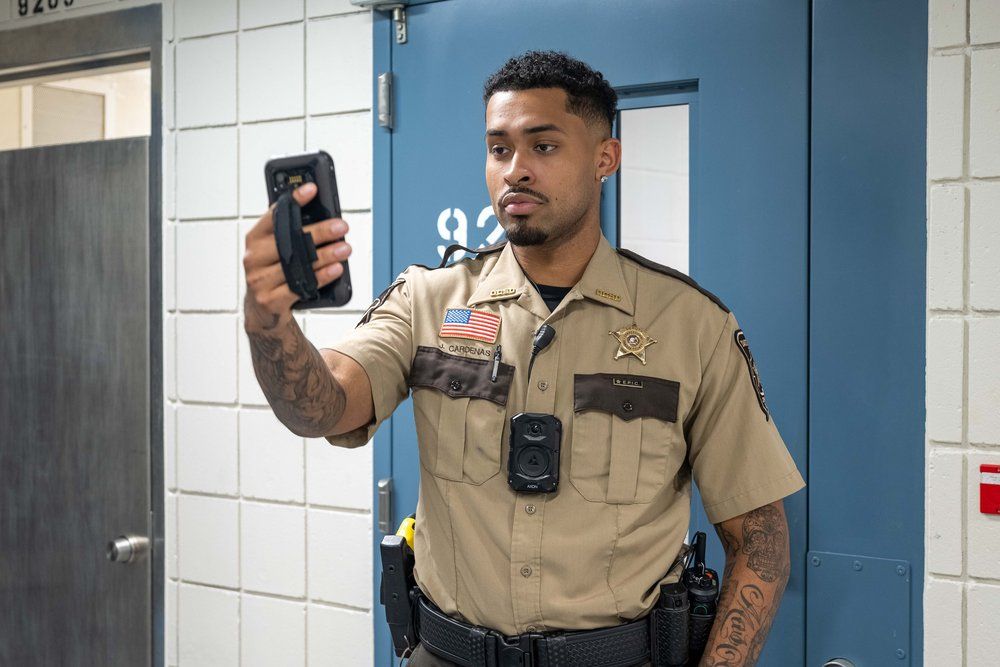
Officers can enroll themselves by taking a headshot with their SPARTAN from the officer profile screen in Mobile Command XR. After the officer reviews and signs the privacy acknowledgment, the face is lined up with the viewfinder guide, captured, and processed through facial recognition to store facial geometry.
What Technical Preparations Do I Need to Consider for Facial Recognition?
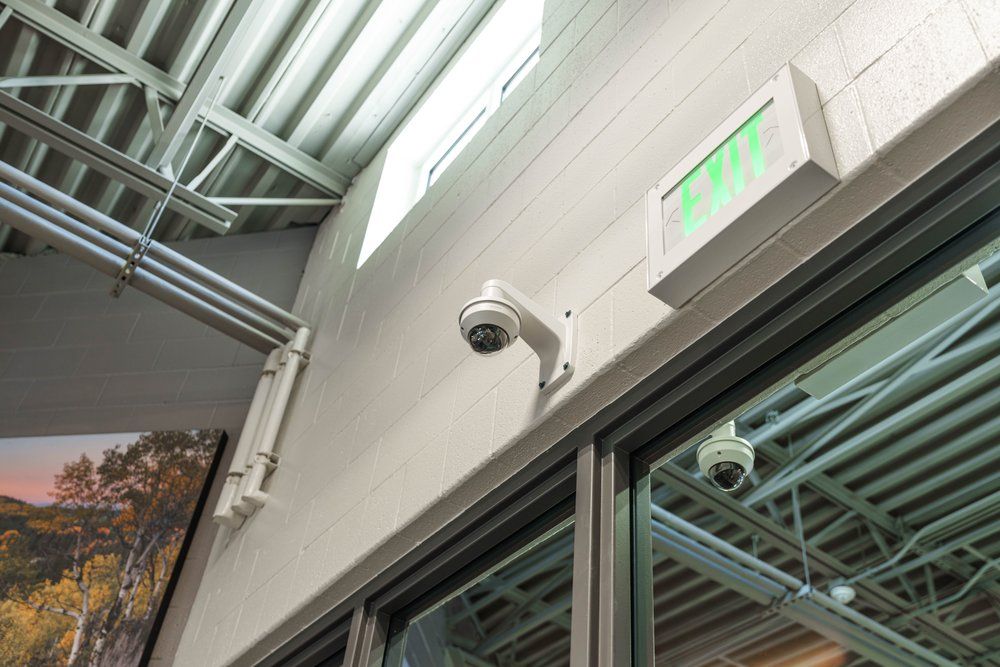
The question we hear most often is whether a facility can use the cameras it already has. It depends less on how old your cameras are and more on their resolution, mounting height, and angle. Here is why.
Some cameras, especially older ones, may lack the resolution needed for accurate facial recognition. Many modern cameras also have AI built in to handle on-device tasks like face detection, the first step in facial recognition: confirming there is a face in the frame at all.
How Is Face Detection Different from Facial Recognition?
Face detection answers one question: is there a face in this image or video? It does not try to tell who the person is. Facial recognition takes the next step, identifying or verifying the person by comparing their facial features with a database of known faces.
What Else Can Limit My Facility's Existing Cameras?
Several camera placement problems can limit facial recognition accuracy:
Camera angle: This is one of the most common problems. Facial recognition works best with a front-facing view that clearly shows the eyes, nose, and mouth. A camera mounted too high, too low, or off to the side captures profiles or partial views instead, which makes faces harder to recognize.
Distance: A camera that is too far away produces low-resolution images, and one that is too close can distort the face.
Lighting: Cameras placed in areas with inconsistent lighting, such as near windows, in shadows, or in low light, can produce images with insufficient contrast.
Field of view (FOV): Cameras with a narrow FOV may not capture faces from all angles, which limits recognition in busy areas.
Crowds and movement: Movement in busy areas can make it harder to capture a clear image if the camera cannot adjust to various angles.
Weather and environment: Extreme temperatures, rain, or dust can affect how well a camera works and lower image quality.
Privacy: A camera pointed into a private space can create ethical and legal problems.
Most of these problems have practical fixes:
Mount cameras high enough to prevent tampering but low enough to get a clear, straight-on view of the face.
Use adjustable or motorized cameras.
Improve lighting conditions.
Use wide-angle lenses.
Add multiple cameras with overlapping fields of view.
What Are the Legal Preparations I Need for Facial Recognition?
Facial recognition data is biometric data, and the rules for collecting and using it vary by state, and sometimes by city or county. Some laws apply only to businesses, others to government agencies, so whether a law covers your facility can depend on whether it’s publicly or privately operated. This area of law is still changing, so research the requirements in your jurisdiction before you deploy and check back regularly.
Plan how you'll notify inmates and officers. Even where the law doesn't require notice, it builds trust and strengthens your record. Signs where cameras run and written notices at booking and in staff policy are common. Explain why you collect facial data, how it's stored, used, and processed, and how long you keep it. If people can opt out, tell them how and what happens to their data when they do. If your officers are represented, ask whether facial recognition login needs to go through bargaining.
We recommend working with your agency's legal counsel, such as your county or city attorney, to confirm your obligations. They vary by jurisdiction.
To stay compliant over time, your facility should:
Keep up with privacy laws in your state.
Be transparent about how data is collected and used.
Protect stored data and respect individual rights.
Review your policies when laws change.
Doing this well protects your facility and the people in it.
Go deeper on facial recognition in corrections.
Download our free Ultimate Guide to learn how facial recognition works in jails and prisons, what to plan for before deployment, and how VisionOps ID fits into your facility.
Frequently Asked Questions
What is an enrollment image?
An enrollment image is the high-quality initial image, usually a headshot or mugshot, that the system uses to generate a person's facial geometry. Every later capture is compared against it, so a sharp enrollment image is the foundation of accurate inmate identification at booking.
Can I use my facility's existing cameras for facial recognition?
It depends more on resolution, mounting height, and angle than on how old the cameras are. Most existing cameras are mounted for general surveillance rather than capturing a frontal face. Many facilities keep their existing cameras and add a dedicated recognition network.
What is the ideal camera distance for facial recognition?
It depends on the camera's resolution and lens. Too far away, and the face pixelates. Too close, and it can get cropped. Camera angle, height, and lighting matter just as much as distance.
Do inmates and officers have to consent to facial recognition?
It depends on the laws in your jurisdiction and whether your facility is publicly or privately operated. Research your local requirements, confirm with your legal counsel, and post clear signage about what is collected.
Ready to use facial recognition at your facility?
See how VisionOps ID enrolls faces through Mobile Command XR and gets your facility ready for facial recognition.
You may also like these
Related Posts
Warning Signs Your Guard Tour Hardware Is Going Out of Production
'Reentry Starts the Day the Handcuffs Come Off': What Rehabilitation Actually Takes