Inmate Headcount You Can Prove
Every headcount answers one question: is everyone where they should be? On paper, you can't see the answer in real time and have a hard time proving it later.
Command Cloud empowers officers to complete inmate headcount at the cell door. Officers count on SPARTAN while supervisors monitor each count in real time. Every count saves who, where, when, and the result.
Line-ups eat the shift
A dayroom line-up freezes the whole unit. Movement stops. Meals wait. Officers wait, inmates get restless, and the schedule falls behind.
One inmate breaks the count
He's at court. She's in medical. A paper roster can't show where they are right now, so the count stalls until someone tracks them down.
Paper can't prove the count
A tally sheet says the count cleared. It doesn't say who looked, which cell, or when. Without that, a cleared count is just a number.
60% reduction in count times
"Now, with [GUARDIAN RFID,] they walk by, they scan the ID card - that person is automatically checked off, and so it's making that master count be completed in 30ish minutes compared to an hour and 15 minutes"
Jim Messer, Lieutenant
Baker County (FL) Detention Center
See a headcount run start to finish.
Headcounts made easy
"I do truly feel that the SPARTAN has made headcounts significantly easier. We're able to actually walk up to the cells and use the SPARTAN to scan their wristband tag through the glass."
Daniel Cameron, Correctional Officer
Sherburne County (MN) Jail
From paper logs to wristband scans
"I remember when there was a time of paper logs and having the SPARTAN device has made my job a lot easier. Headcount goes much easier now that we scan wristbands instead of making inmates stand outside their cells until we count everyone."
Keysha Phelps, Jail Administrator
Sequoyah County (OK) Sheriff's Office
The all-in-one package
"GUARDIAN RFID is kind of the all-in-one package. Our officers use the GUARDIAN RFID system on a daily basis. They do their headcounts with it, cell movement, recreation, anything that would go in a daily log, they'd report on the SPARTAN device."
Shawn Davis, Administrative Lieutenant
Laurel County (KY) Corrections Center
Inmate Headcount at the Cell Door, Not the Dayroom
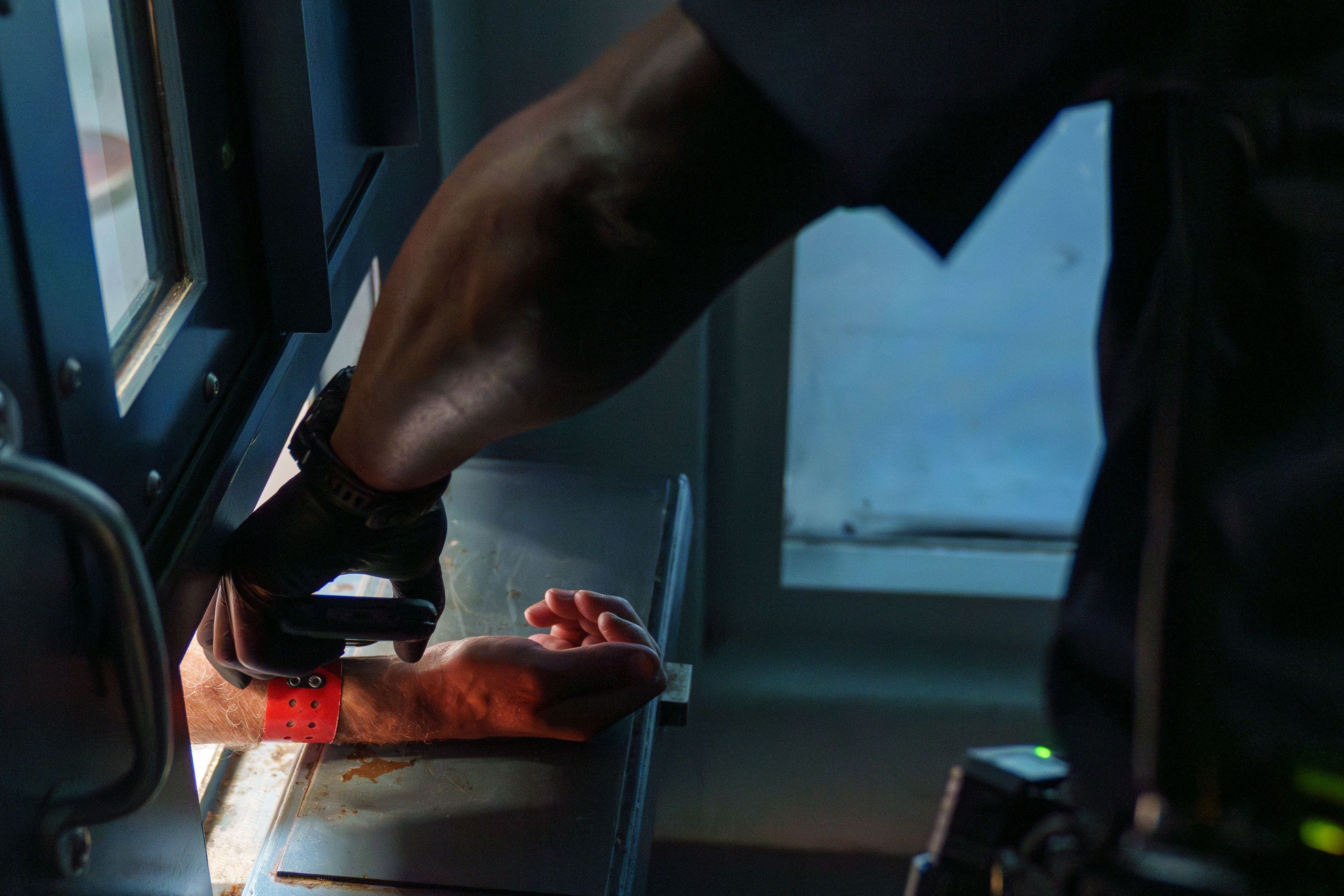
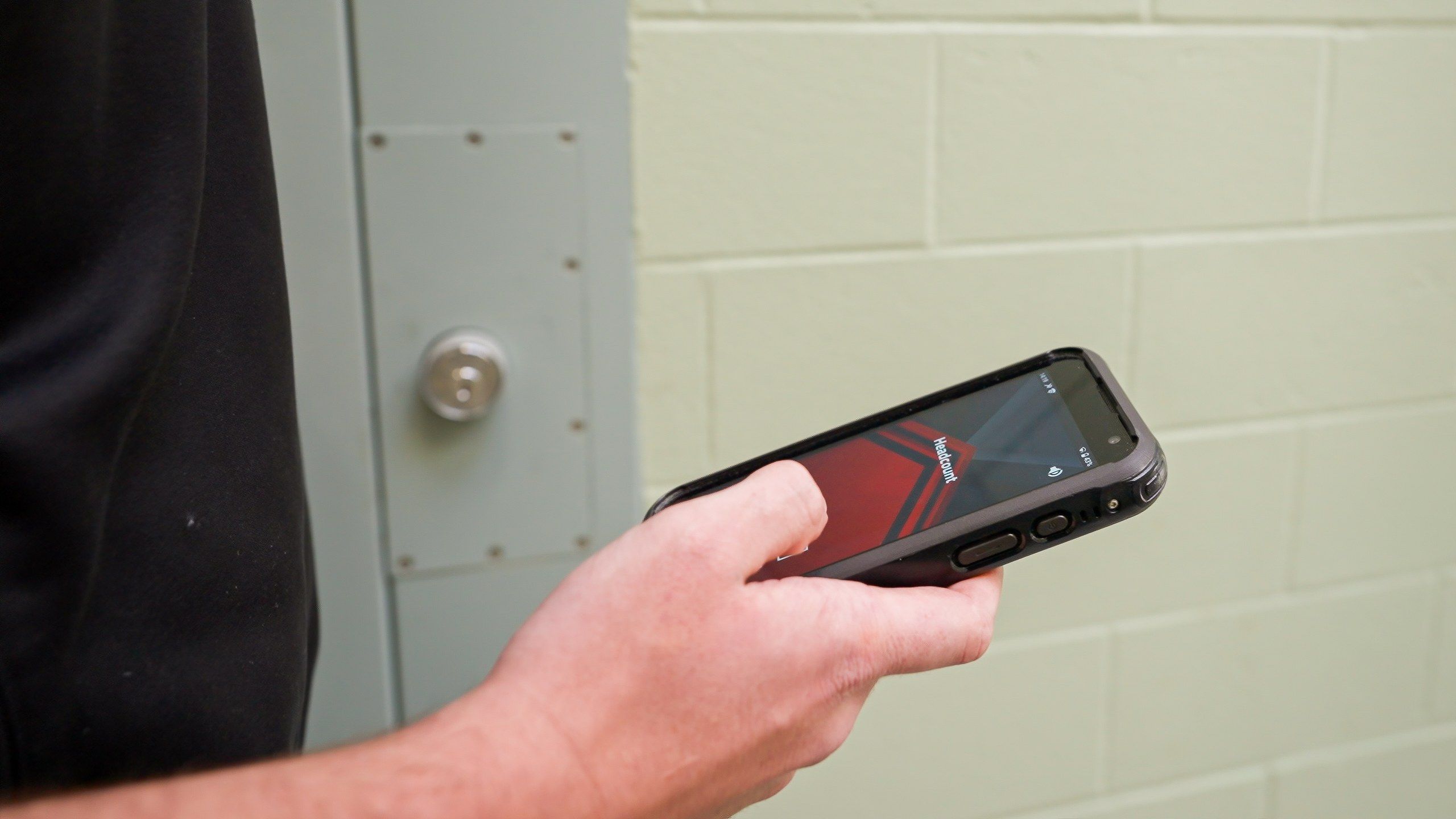
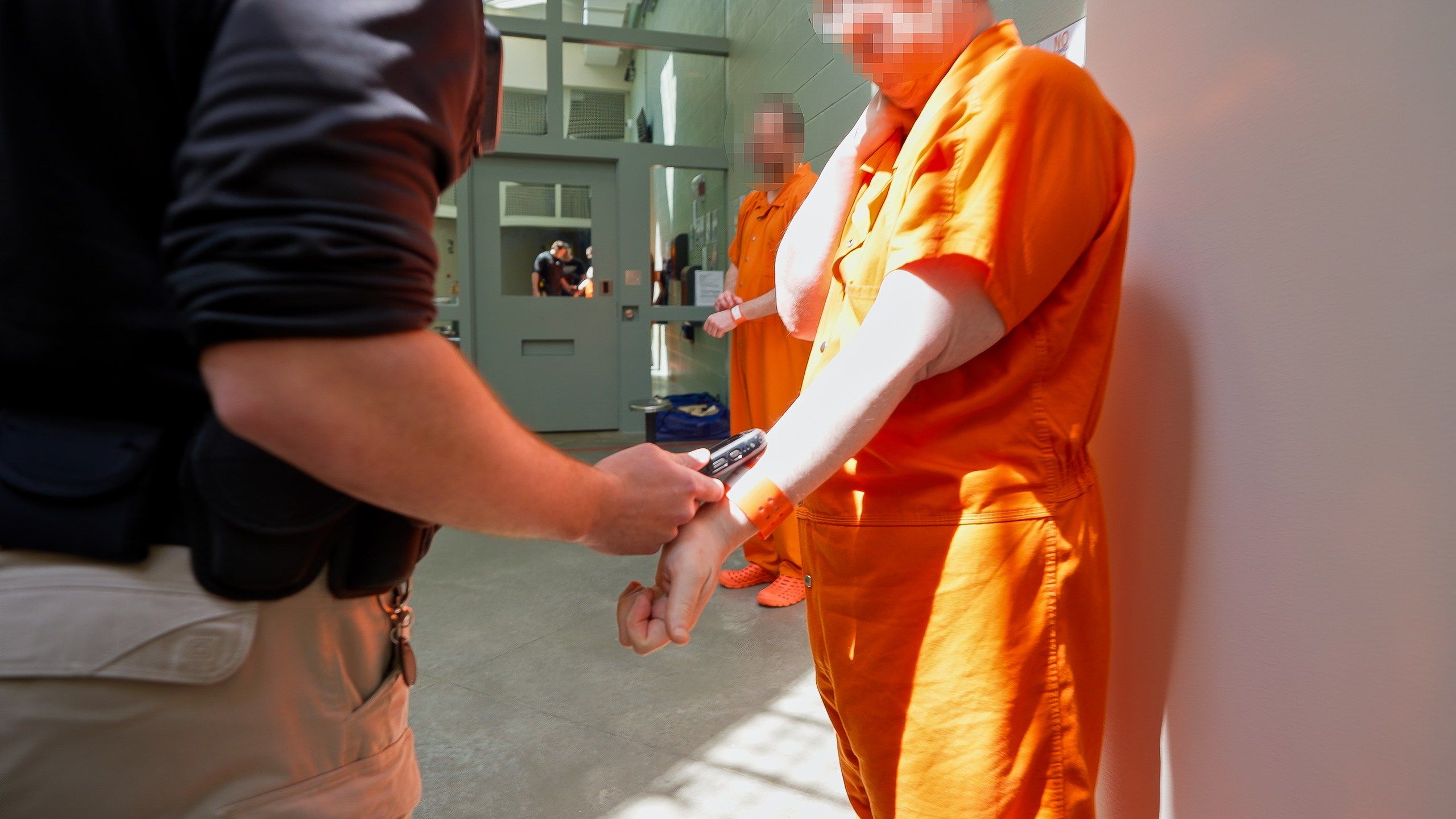
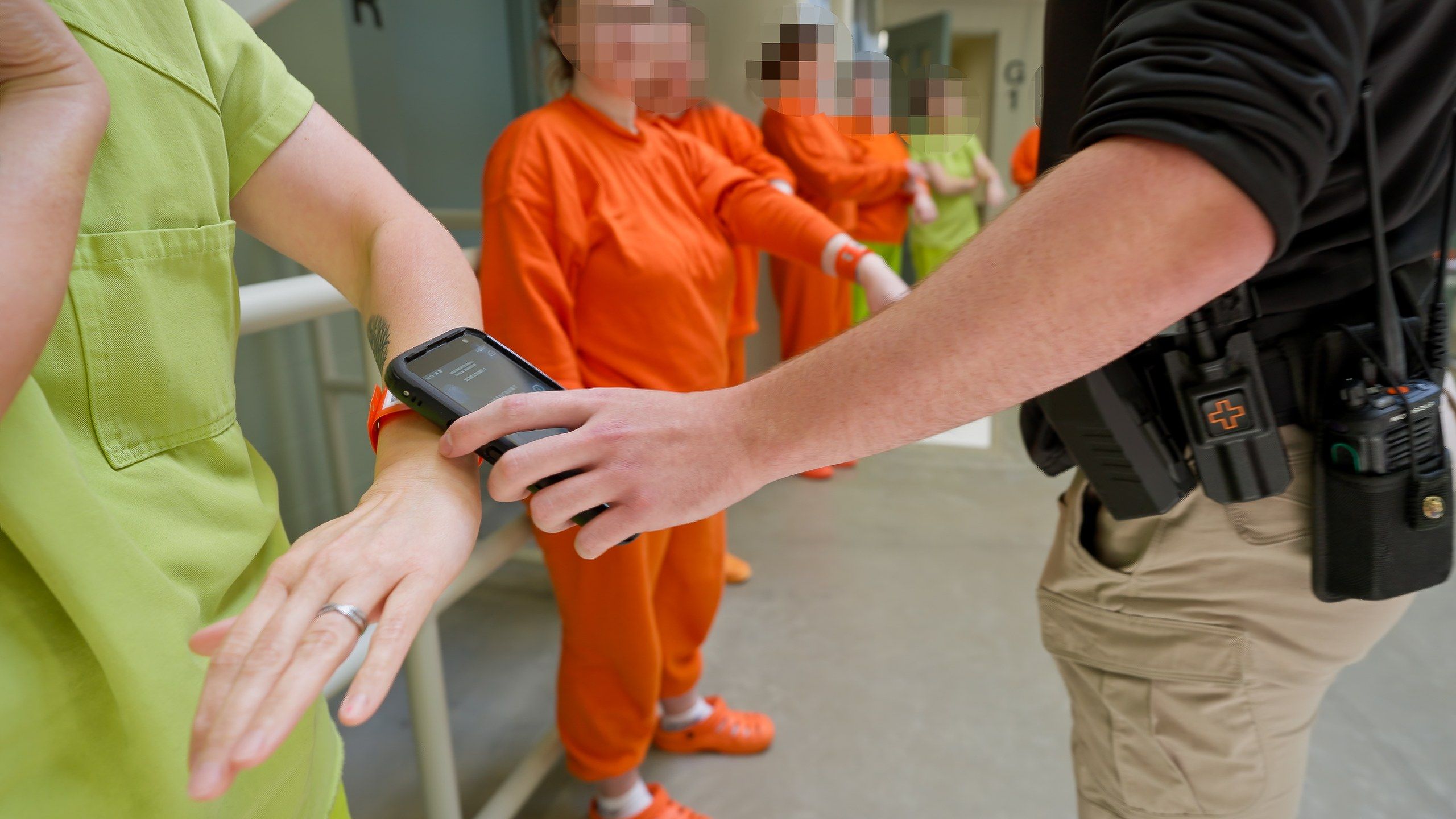
Start a formal count from the Headcount dashboard in Mission Command and every officer's SPARTAN gets the alert. Officers open the Headcount module in Mobile Command XR, scan the location's Hard Tag, and the list of who belongs there comes up. Then they work the cells. Scan a Wristband or ID Card and that inmate is counted. Wristbands can even be scanned through the cell door glass. Where policy allows, officers confirm by sight against the roster and swipe instead. Each method is logged as its own scan type. Officers still put eyes on every inmate. The Headcount module records each one as it's counted.
Every Inmate Out of Place Gets a Reason
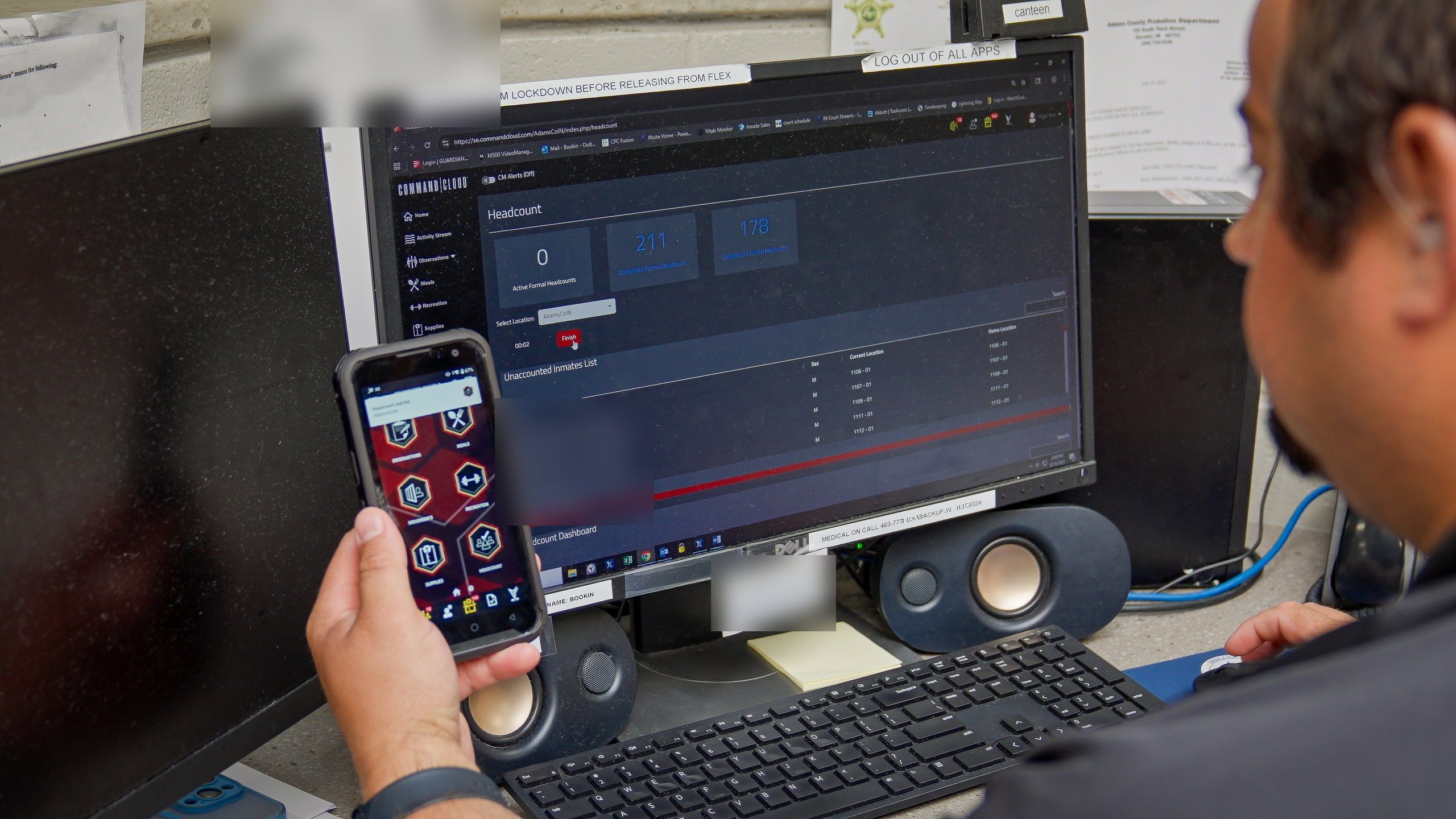
Headcount runs on the same inmate tracking system that logs inmate movements, so counts run against a live population list. When someone goes to medical, court, or rec, the move shows on the officer's screen. If an officer finds an inmate away from their home location, they acknowledge and count them with Mobile Command XR and record a justification on the spot. Supervisors see the count broken down by housing unit, with the unaccounted list updating live. Moved in, moved out, and released inmates are tallied while the count runs. A formal count can't close until every unaccounted inmate has a justification.
Two-Person Counts Take One Toggle
If your agency requires a second officer, turn on Two-Person Headcount in the Headcount dashboard before you start the count. Each officer counts separately. The dashboard tracks both counts and shows which inmates still need their second verification, so a supervisor knows exactly where the count stands. Two-person counts follow the same rules as any formal count: every unaccounted inmate needs a justification before it closes. Completed two-person counts are marked on the Completed Formal Headcount report, and you can filter for them.
An Inmate Headcount Record That Holds Up
Jail standards set how often you count. Inspectors want proof you did. The American Correctional Association's Core Jail Standards call for at least one formal count per shift and no fewer than three counts a day. Command Cloud saves every count with the officer, location, time, scan type, result, and any justification. Completed formal and informal counts export to PDF or CSV for an inspector, an investigator, or your attorney.
Paper Counts vs. Command Cloud Headcount
Here's how a paper roster count compares with a Command Cloud headcount.
| Paper roster count | Command Cloud headcount | |
|---|---|---|
|
How it's recorded |
Tally marks and checkmarks, often after the fact |
Scanned or swiped as the count runs |
|
Who, where, when |
Initials, if anything at all |
Officer, location, and time on every inmate |
|
Inmate out of place |
Recount, radio, or phone calls |
Live roster shows the move. Justification required. |
|
Second officer |
A second sheet to reconcile |
One toggle. The Headcount dashboard tracks both counts. |
|
Proof for an inspector |
Binder pages to pull |
PDF or CSV export |
What Inmate Headcount Costs
Headcount is included with Command Cloud. There's no added cost. Command Cloud is priced by average daily population (ADP), the number you already run your facility on. Your price depends on your ADP and the edition you choose. Unlimited users and unlimited storage come with it, with no per-seat fees.
Frequently Asked Questions
With Command Cloud, officers run all three. An informal headcount is a quick count at the officer's discretion, checking that the people in an area match the roster. A formal headcount is structured and usually scheduled: officers verify each inmate's identity, and the count is documented. A two-person formal headcount is a formal count done by two officers counting separately.
It depends on your state's jail standards, and Command Cloud logs every formal and informal count your policy calls for. Several state jail standards require at least three formal counts a day, and some limit how much time can pass between counts. Start with your state standard, then add unannounced counts so the schedule isn't predictable.
In Command Cloud, an authorized user cancels it from Mission Command. Maybe the wrong location was picked, or Two-Person Headcount wasn't turned on. The cancelled count doesn't disappear. It stays in the Completed Formal Headcount report with Cancelled in the Status column, so the record shows exactly what happened. Then start the count again with the right settings in place.
No. Command Cloud lets officers count by scanning a Hard Tag, scanning inmate IDs, or confirming by sight against the roster with no scan. Scanning the location's Hard Tag pulls up everyone assigned there. Whichever method an officer uses, Mission Command records the scan type for every inmate, so you can see how each count was done and match it to your policy.